
It is interesting to look at images with reduced bit depth because they can change the mood of the original image. Below is an original image, and then three variations with reduced bit depth.
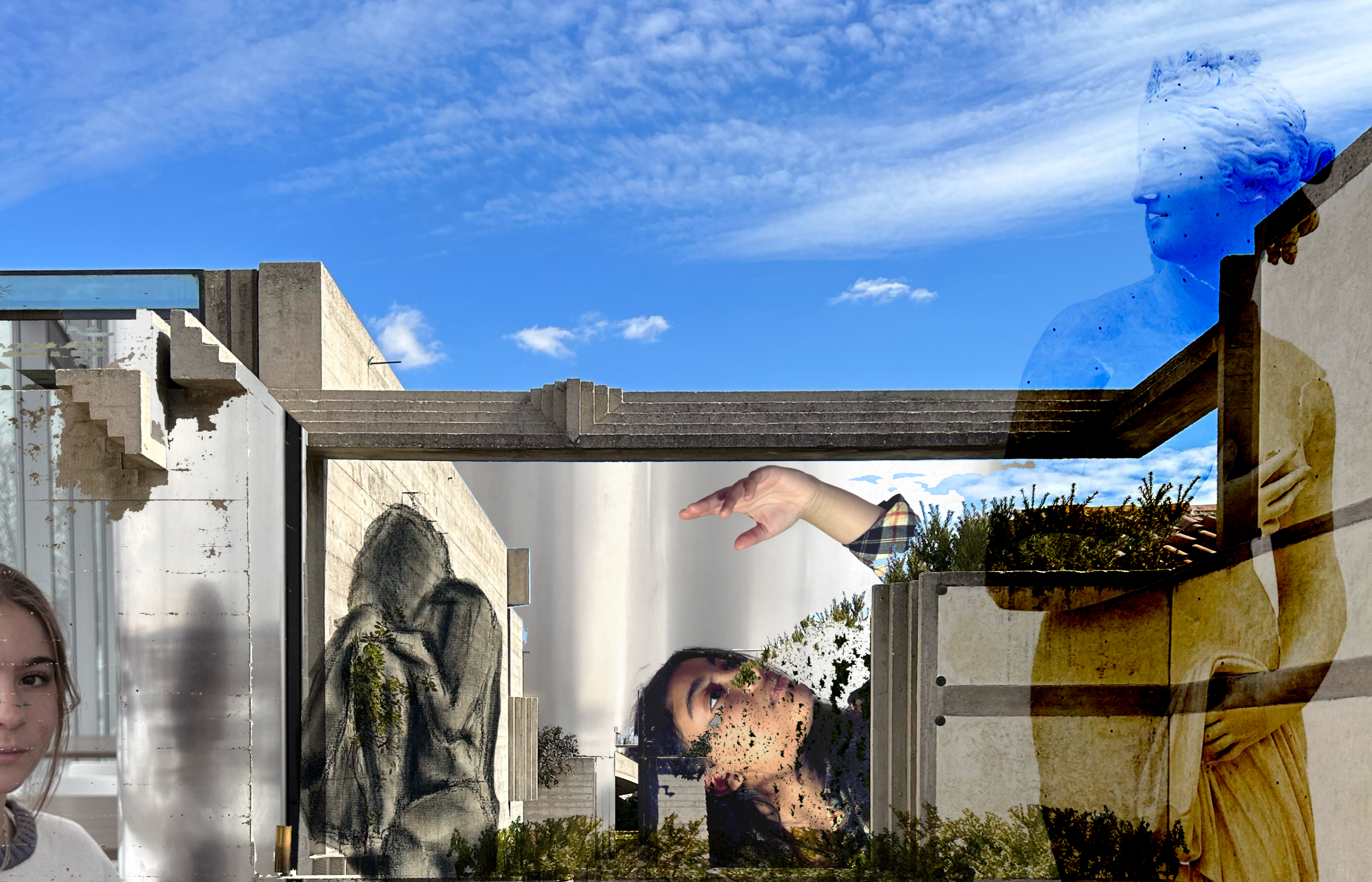
This is the original image with its 256 colors.
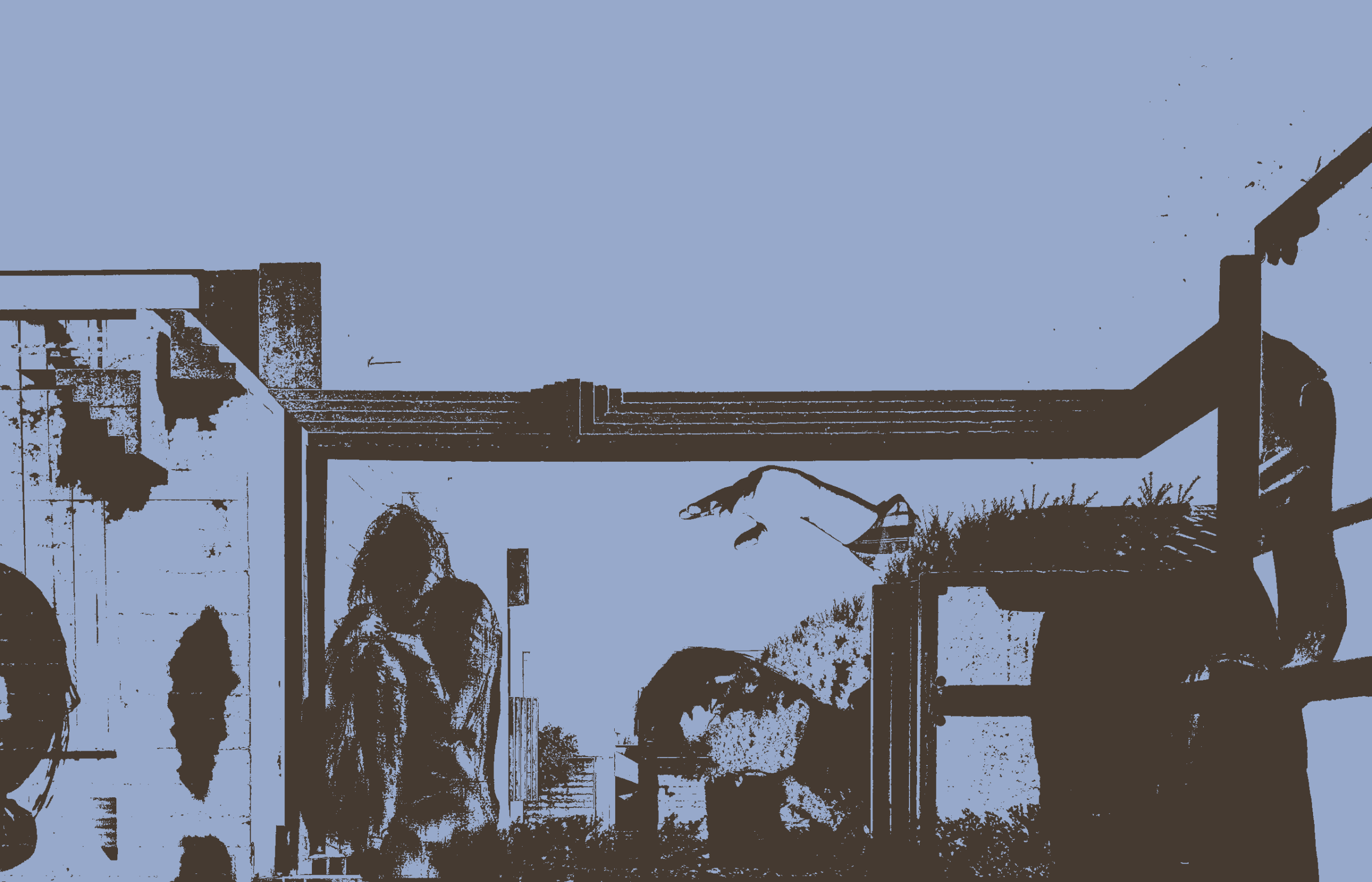
Now the image only has 2 colors. Parts of the image become confusing to look at while others become more intense.
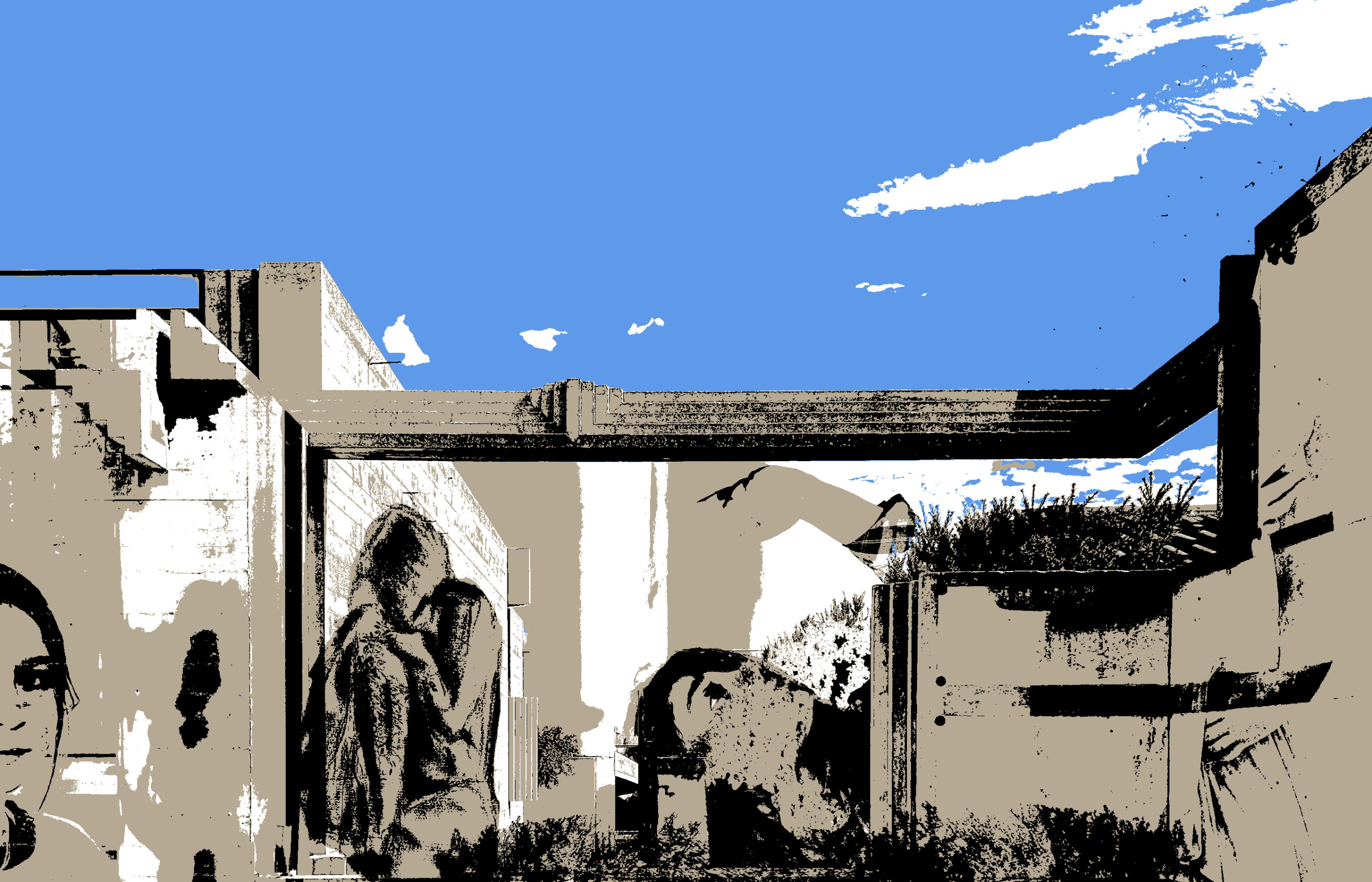
With 4 colors, the highlights and shadows become more prevalent. After 2 colors, the dark shadow of the statue on the far right is almost completely gone because the original image is edited with different types of transparency.
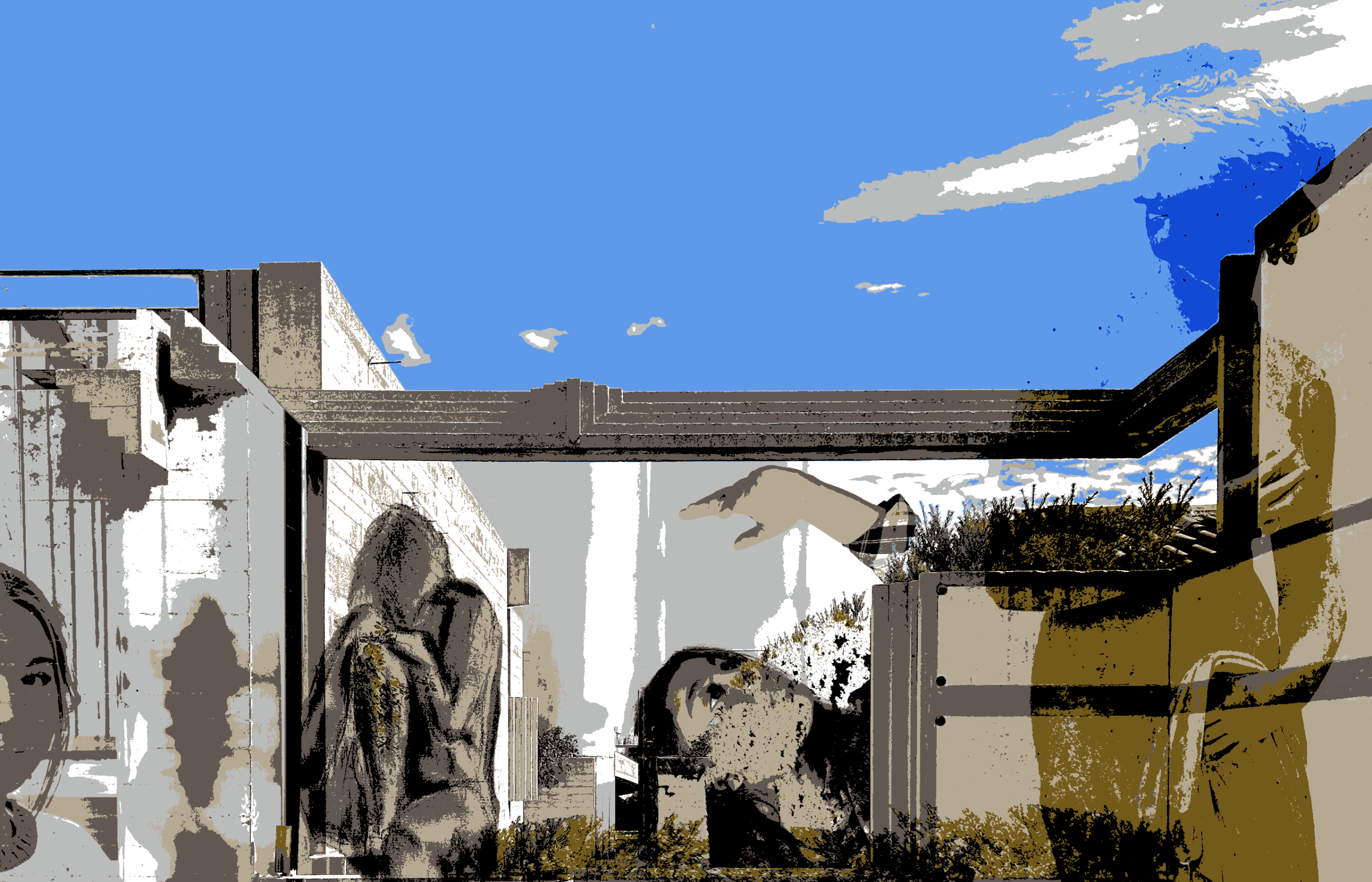
At 8 colors, the statue at the far right is more legible as are the two people and the drawing. This image looks glitchy and begins to help the viewer process what they’re looking at. The viewer can also start to see the transparency used on the statue.

Going back to the image using two colors, I changed the colors themselves and now it is even harder to know what the image is. Not only are there just two colors, but they are very similar so the contrast is extremely low.
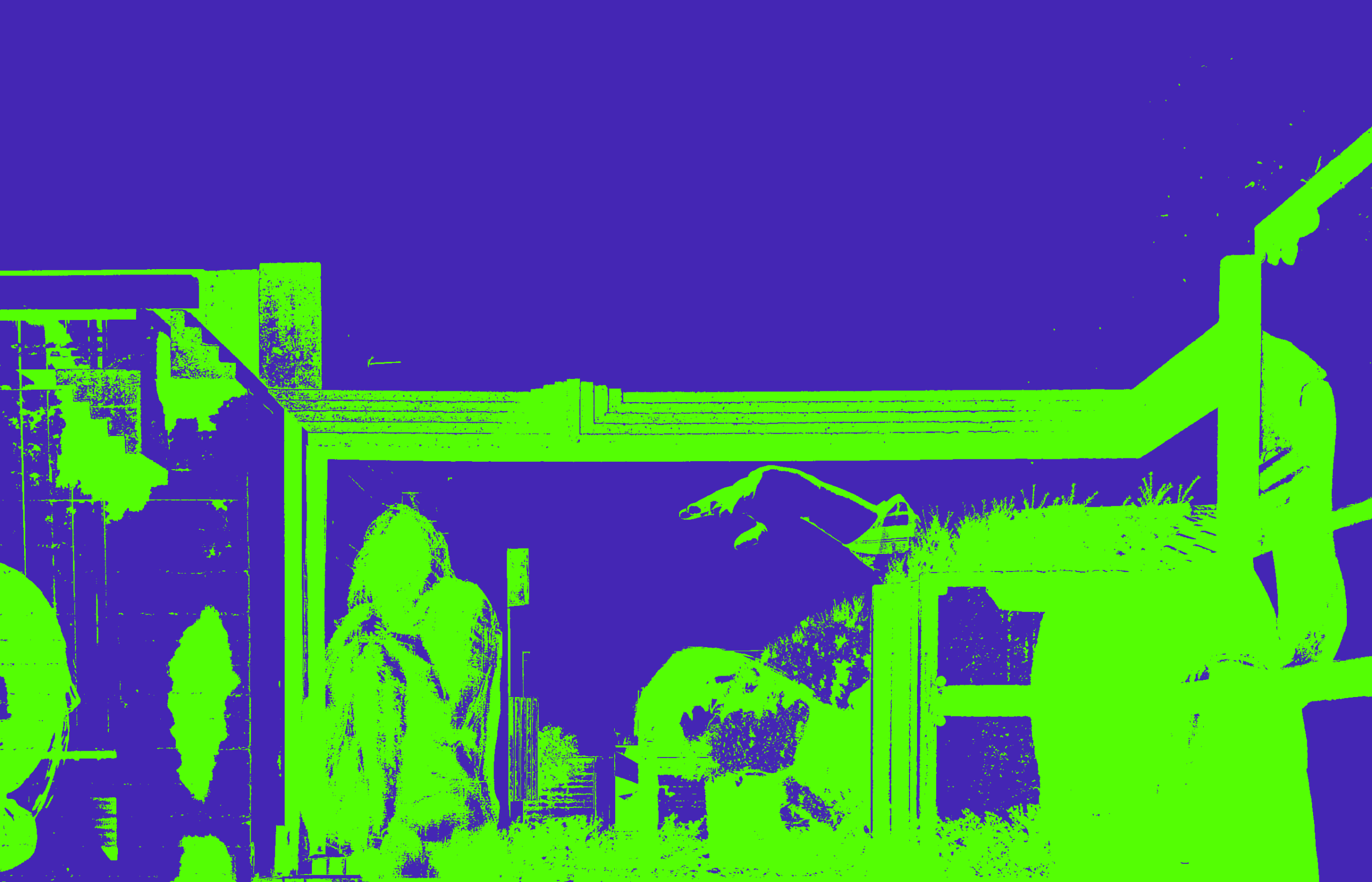
In complete opposition to the previous example, there is a strong level of contrast with just these two colors. The forms are easier to try and make out and there are little dots of color that could not be seen in the image above.